

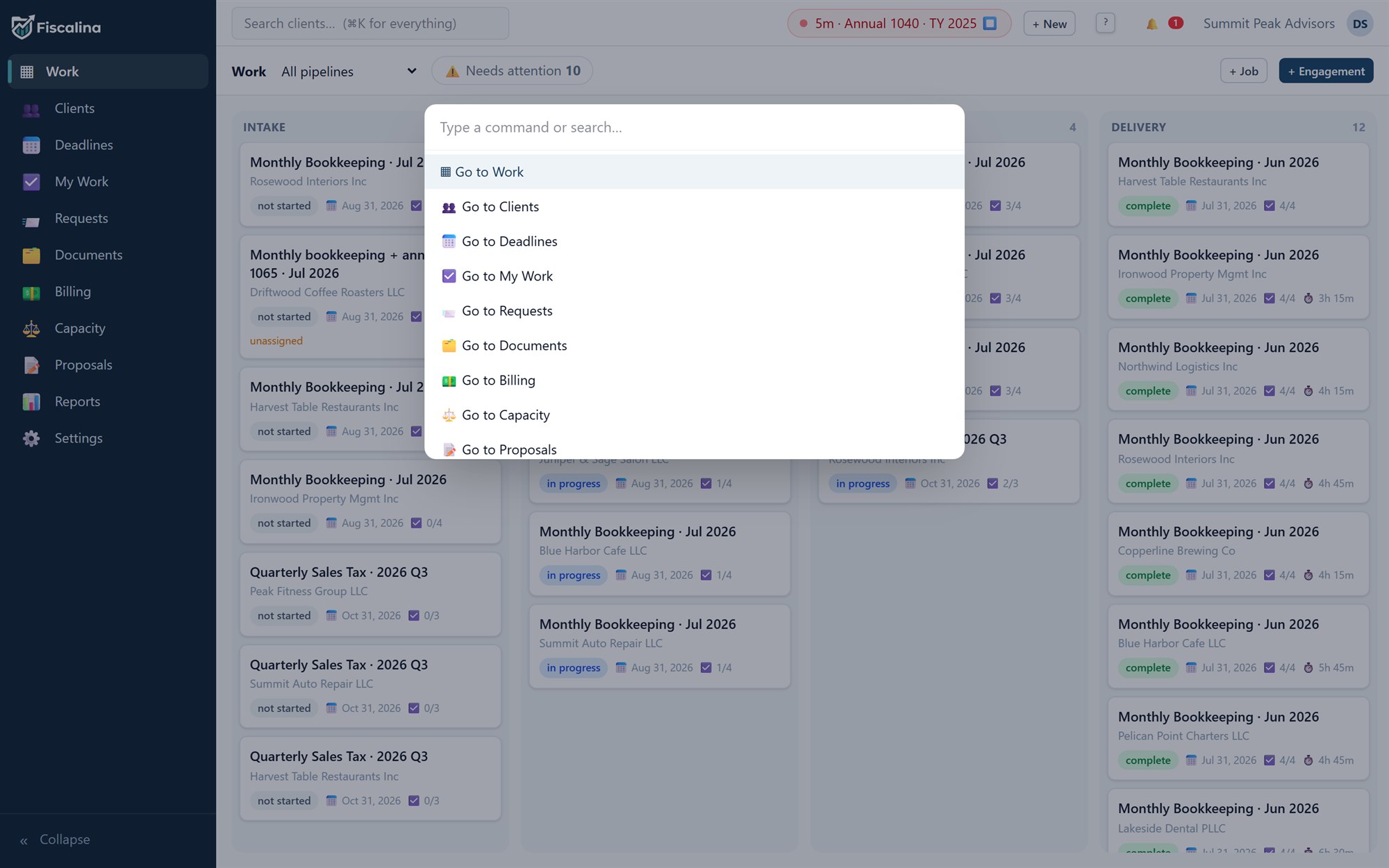
⌘K everything
One keystroke to jump anywhere, start a timer, or quick-create a client mid-phone-call.

Practice management for accounting & tax firms
Clients, engagements, deadlines, time and billing — one tidy system that always reconciles. Fiscalina replaces the spreadsheet sprawl a growing firm accretes, and it starts earning its keep the day you import your client list.
14 days · no card · import from Drake, Lacerte, ProConnect or UltraTax
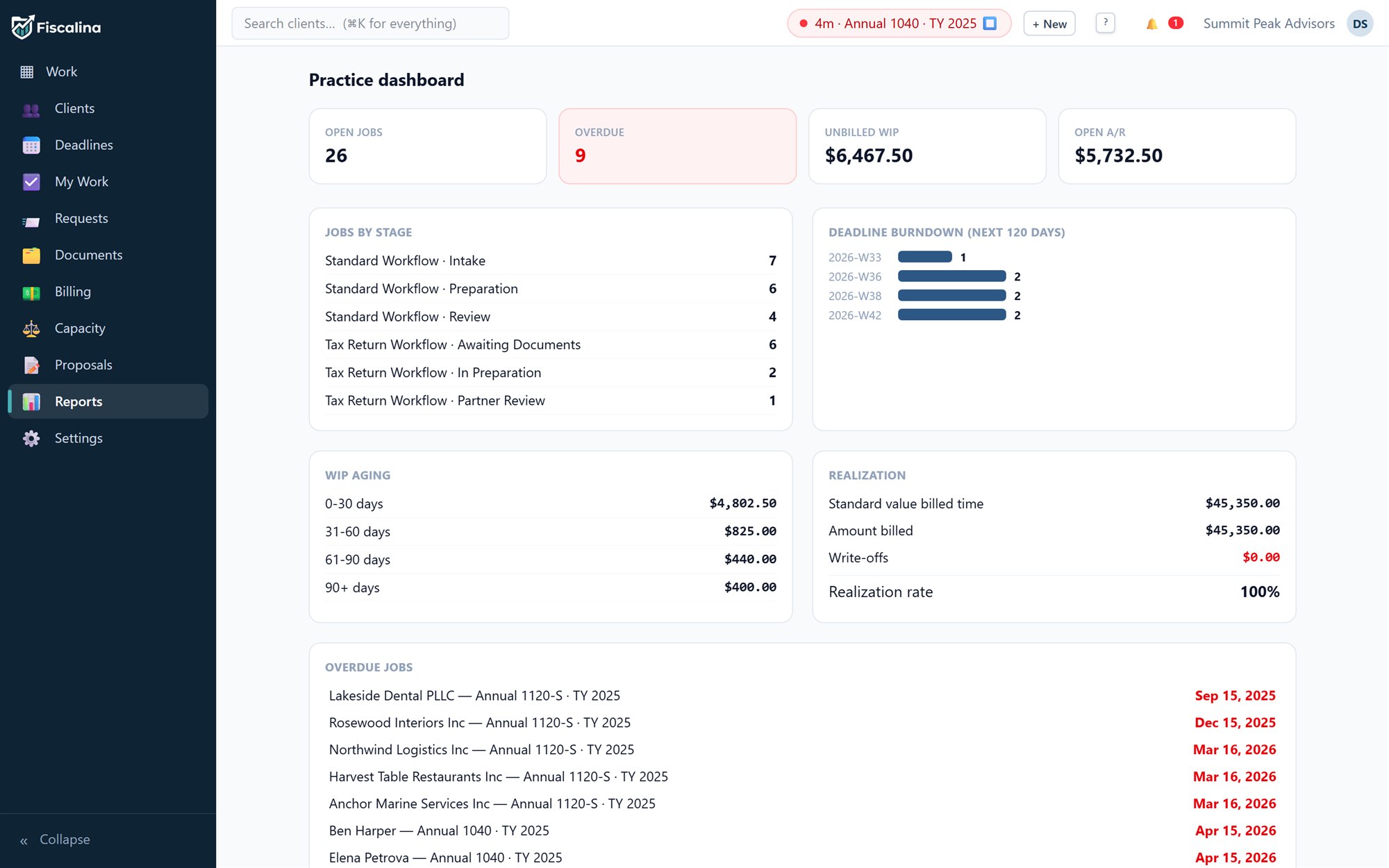
Summit Peak Advisors, the demo firm that ships inside Fiscalina — the same live data behind every screenshot on this page.
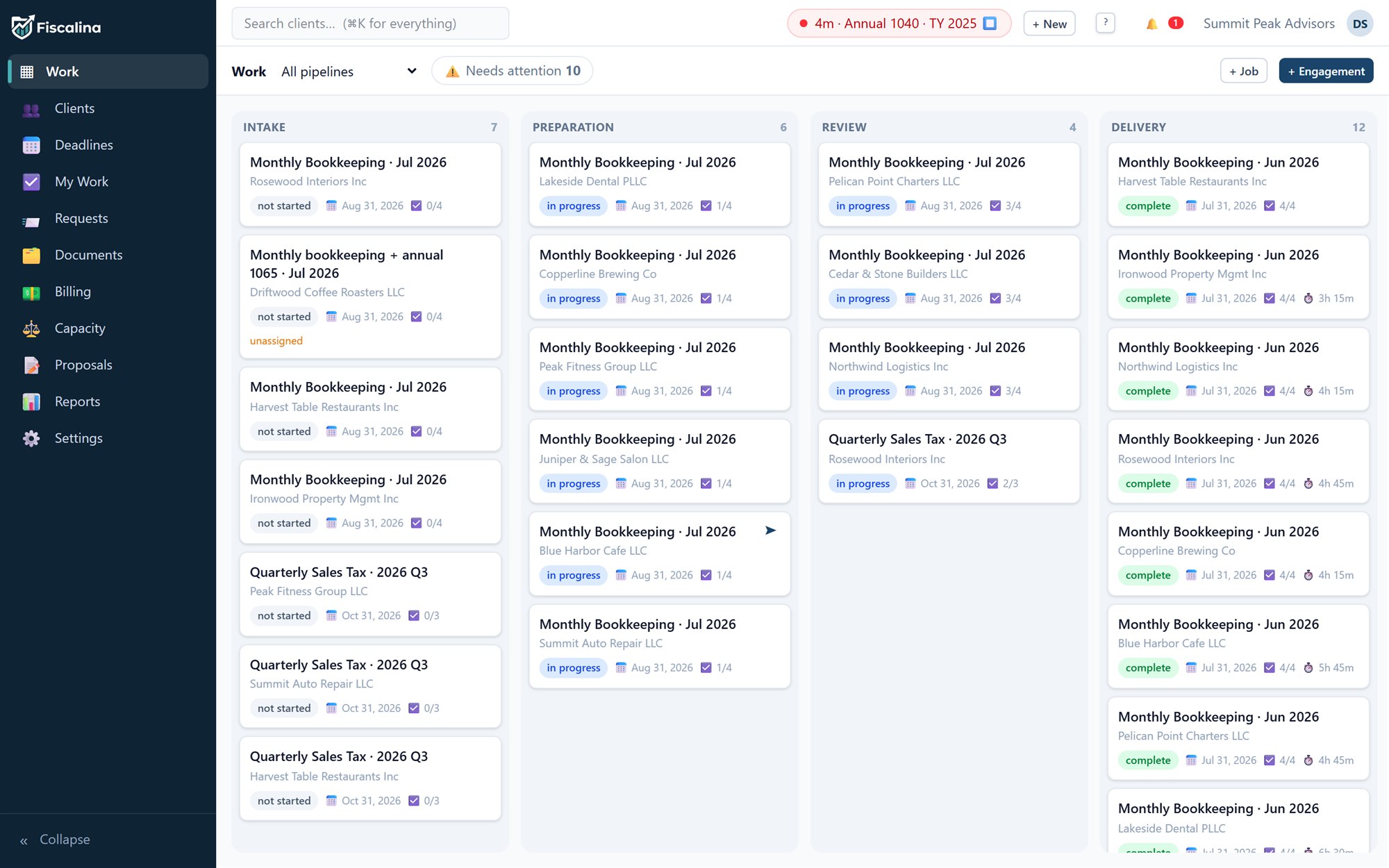
1200 · Work in process
Describe a service once — Monthly Bookkeeping, Quarterly Sales Tax, Annual 1120-S — and Fiscalina provisions the tasks, the document requests and the due dates every time the period comes around. Recurring engagements generate their own jobs; nobody re-types a checklist in January.
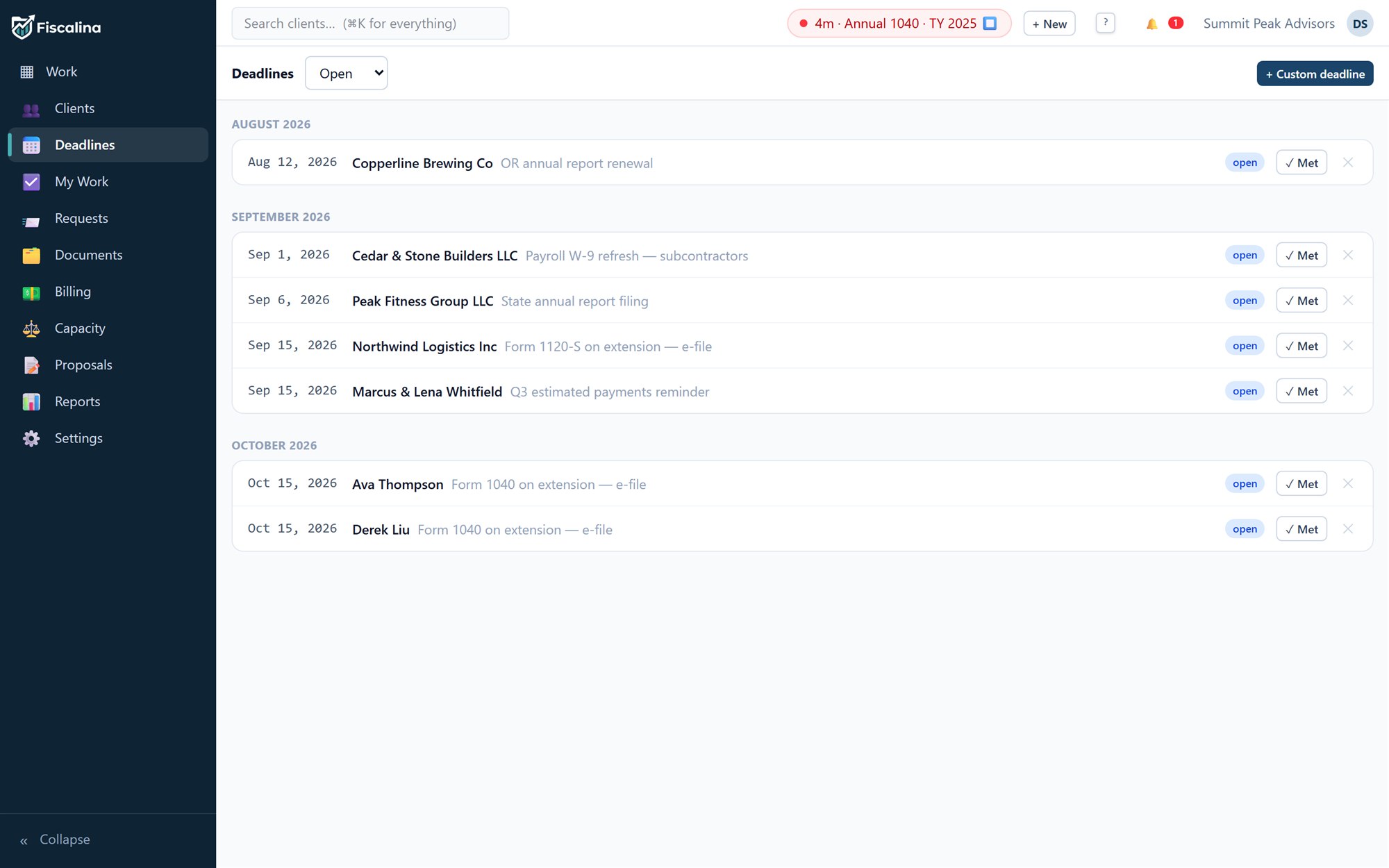
2600 · Statutory deadlines
Filing rules for 1040, 1065, 1120-S, 1120, 990 and 1041 are built in — including fiscal year-ends, extensions, weekend rolls and legal holidays down to DC Emancipation Day. Attach a return to a client and the deadline appears, correctly, with a burndown so busy season never sneaks up.
1000 · Client ledger
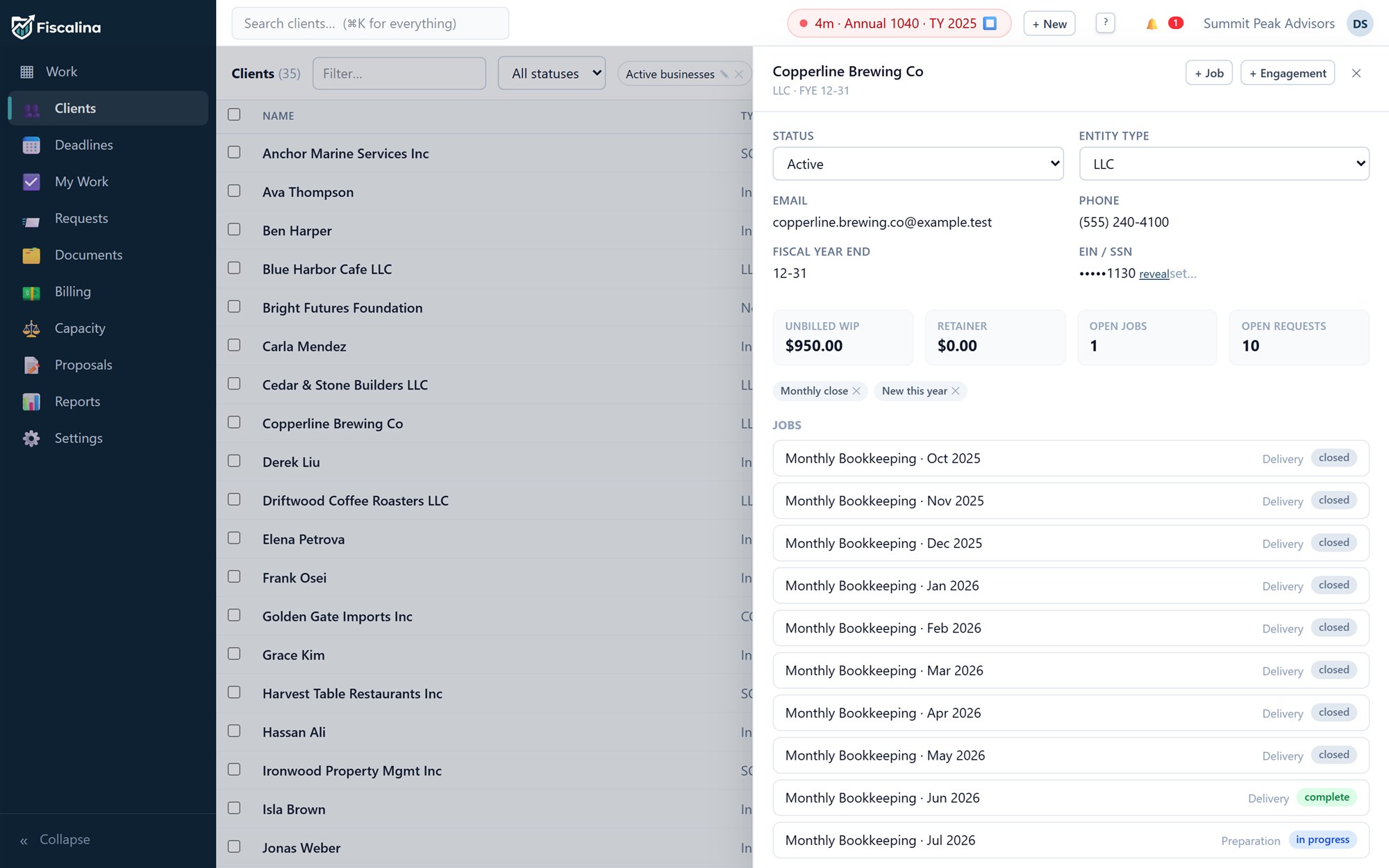
Individuals, S-corps, partnerships, trusts, non-profits — with entity type, fiscal year-end, masked EIN/SSN (revealing one is itself an audited event), partner and bookkeeper assignments, tags, saved views, custom fields and household groups. The CSV importer speaks Drake, Lacerte, ProConnect and UltraTax column headers natively.
4000 · Revenue
Run a timer or log time against a job; unbilled work ages on the dashboard until you turn it into an invoice in one click. Send it, and Fiscalina chases it — dunning reminders, partial payments, retainer draw-downs and Stripe checkout for clients who want to pay online at 11pm on a Sunday.


4010 · Your letterhead
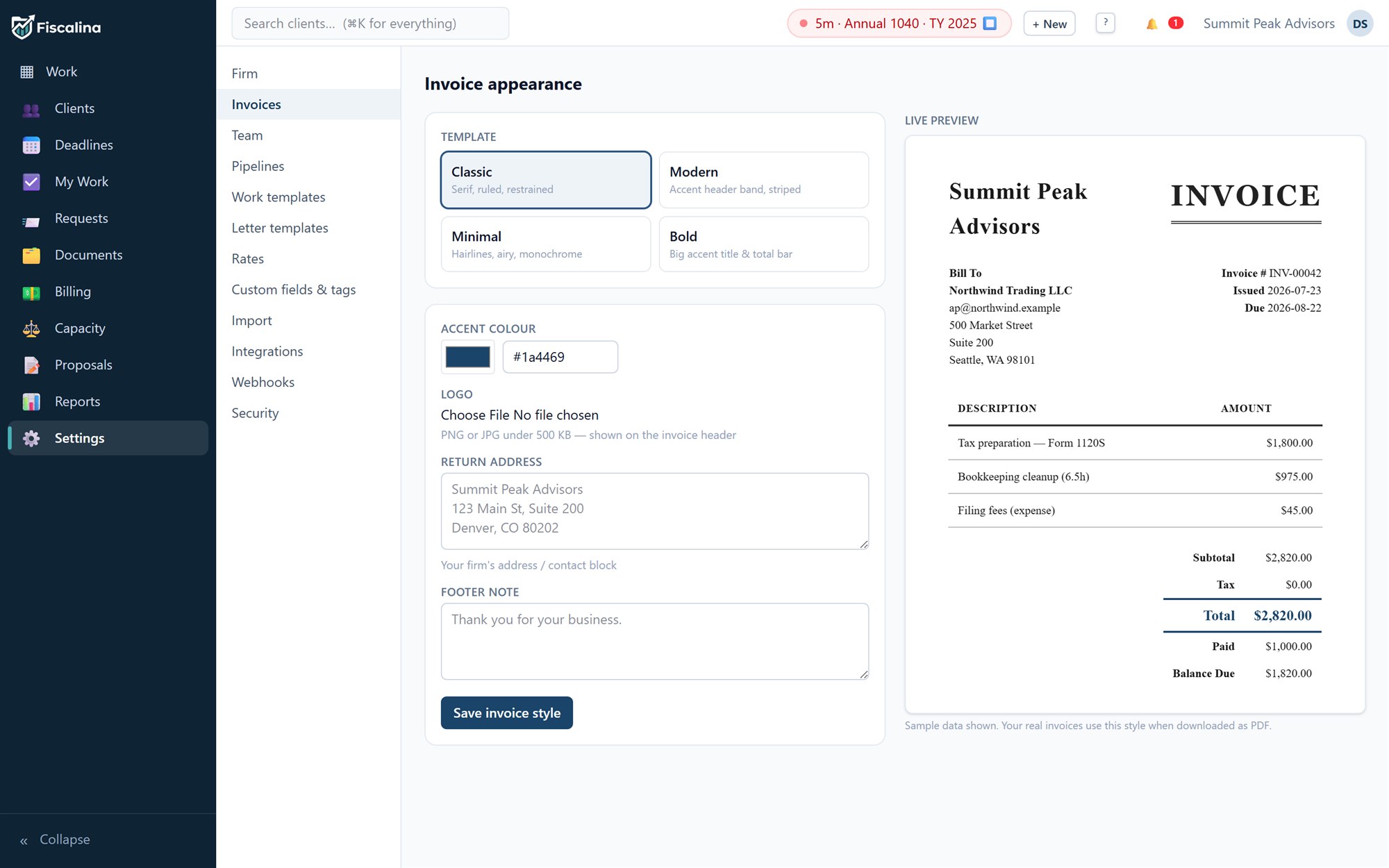
Four typeset templates, your accent colour, your logo, your footer — previewed live and rendered to PDF exactly as shown. Your clients see your firm, not ours.
4400 · Client portal
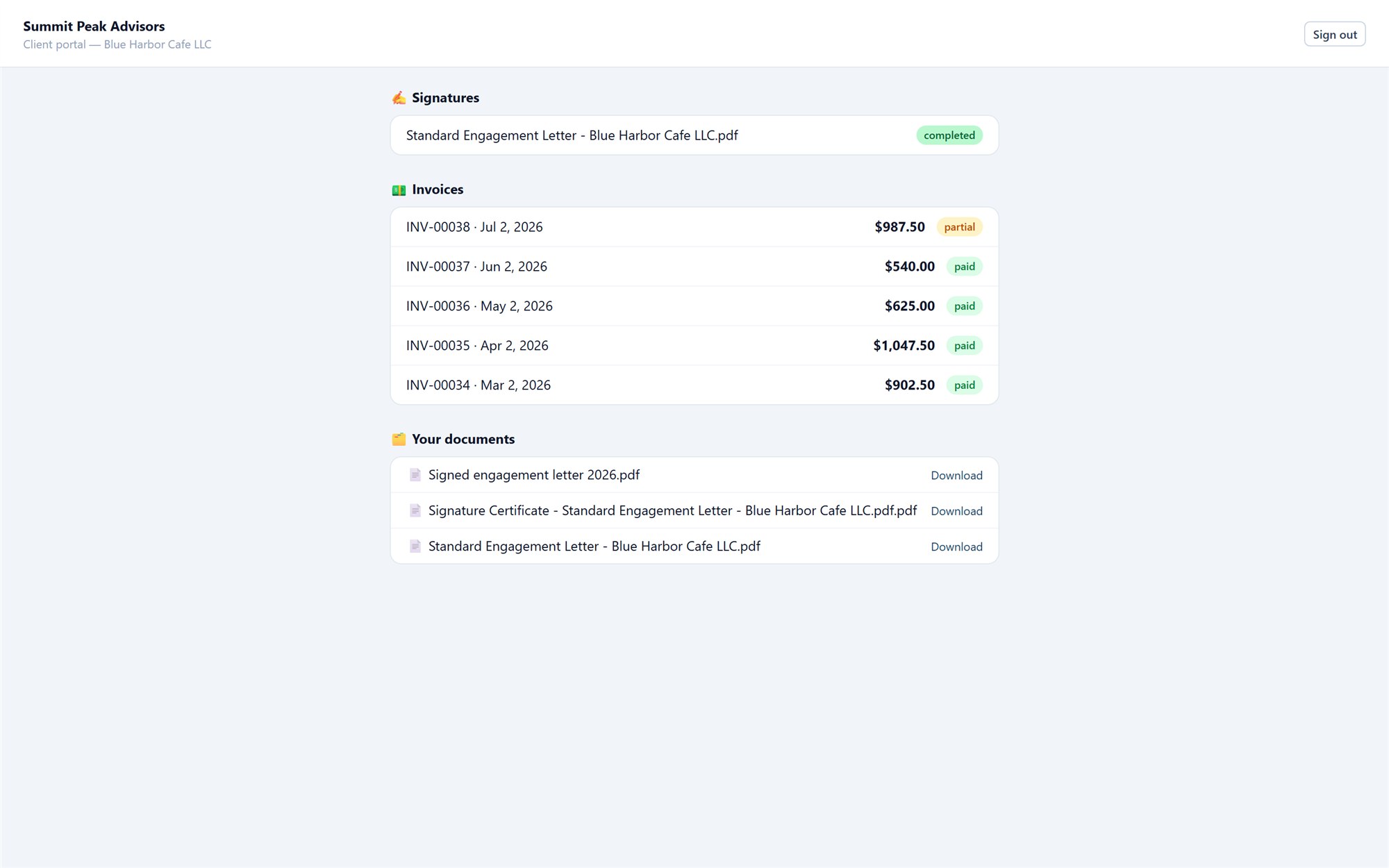
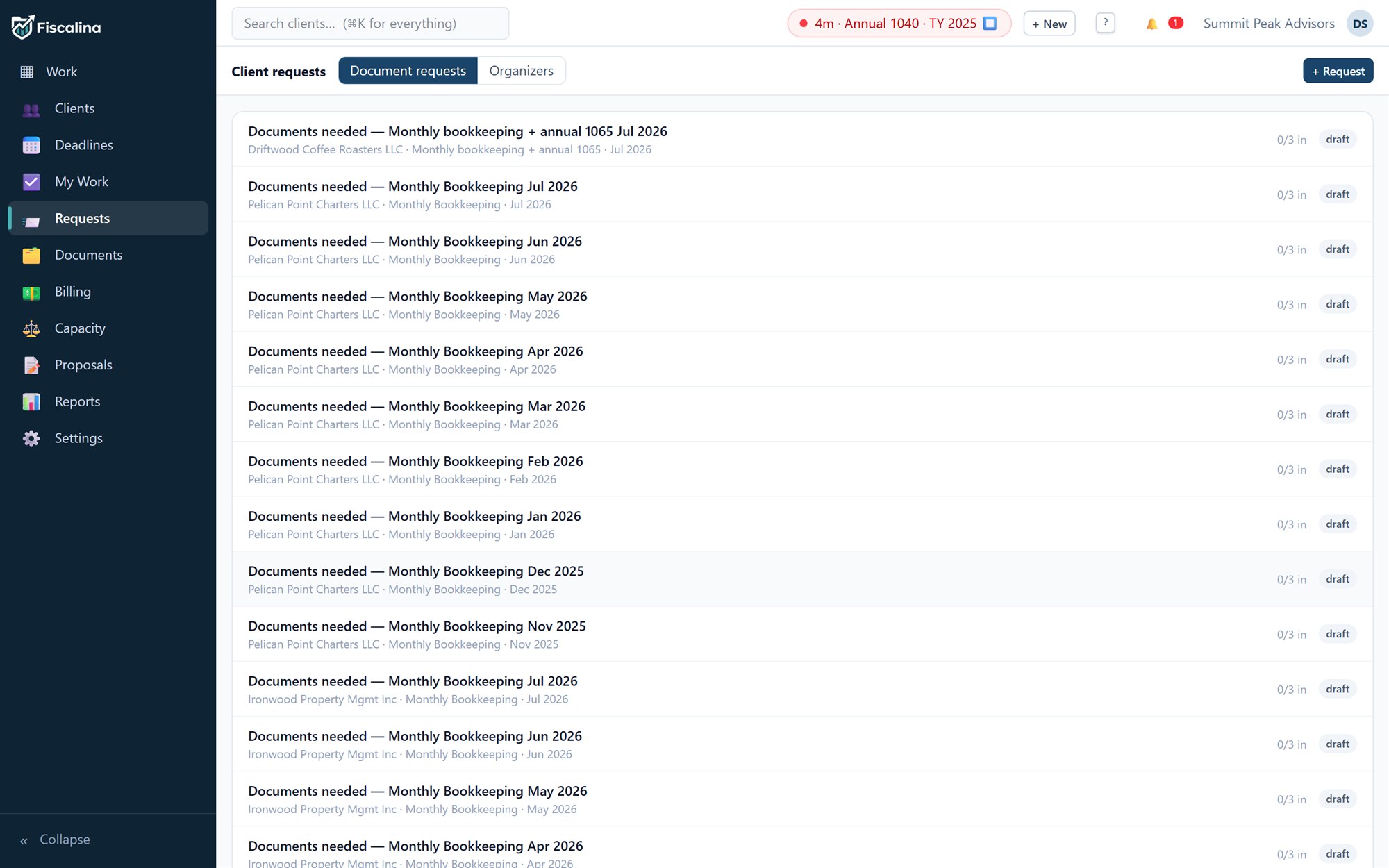
Every client gets a portal behind a magic link — no passwords to reset in March. Document requests list exactly what you still need and gate the job until it arrives. Organizers collect the annual questionnaire. Engagement letters get signed with the built-in e-signature (or DocuSign, if that is what your insurer wants), and invoices get paid on the spot.
6100 · The record
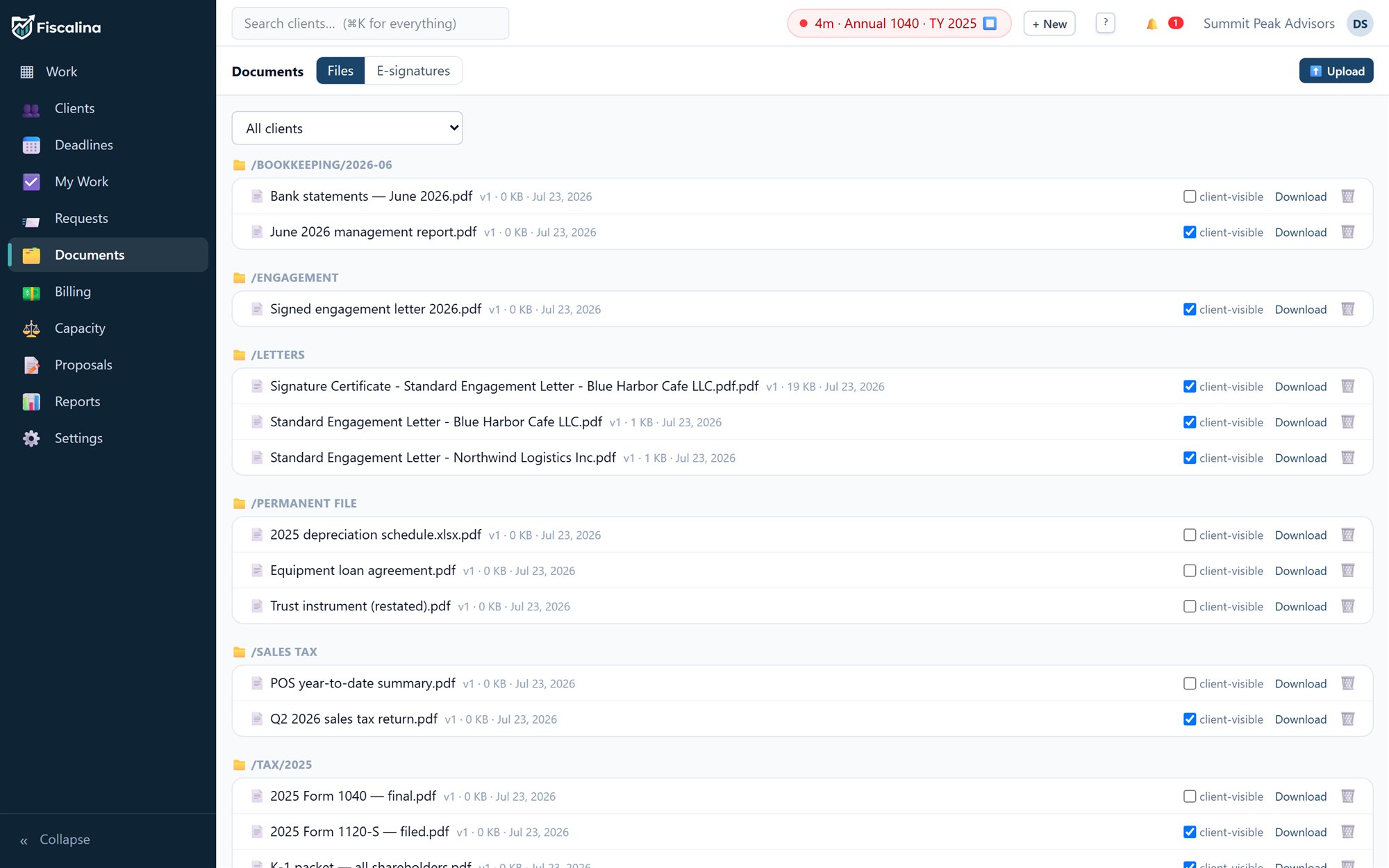
You hold other people's books to a standard — your software should meet it. Every change lands in an audit log with who, what and before/after. Documents keep version history. Money rows are never edited: corrections are voids and compensating entries, the way a ledger is supposed to work.
6900 · Sundries
One keystroke to jump anywhere, start a timer, or quick-create a client mid-phone-call.
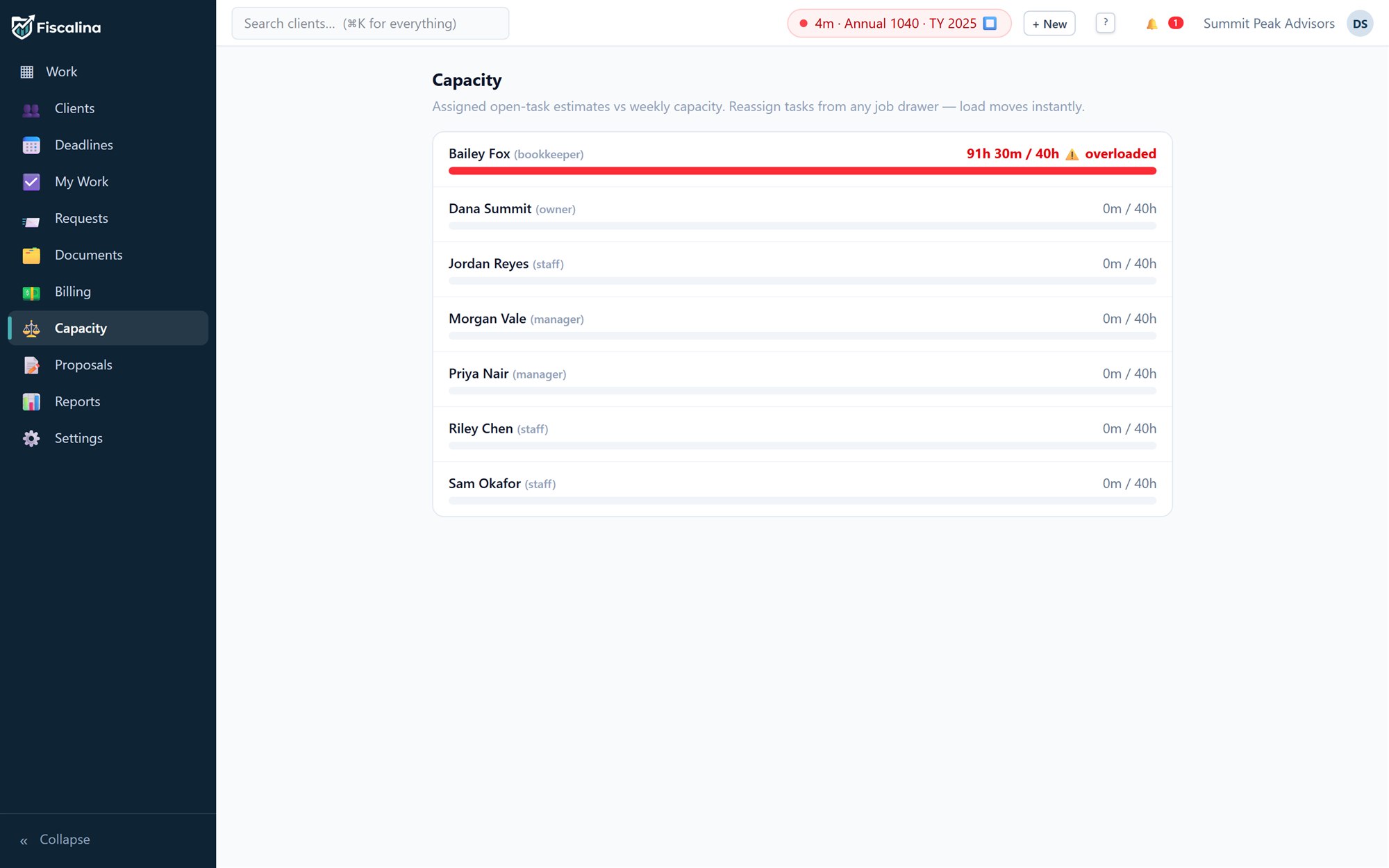
Estimated minutes against each person's plate, so February's crunch is visible in January.
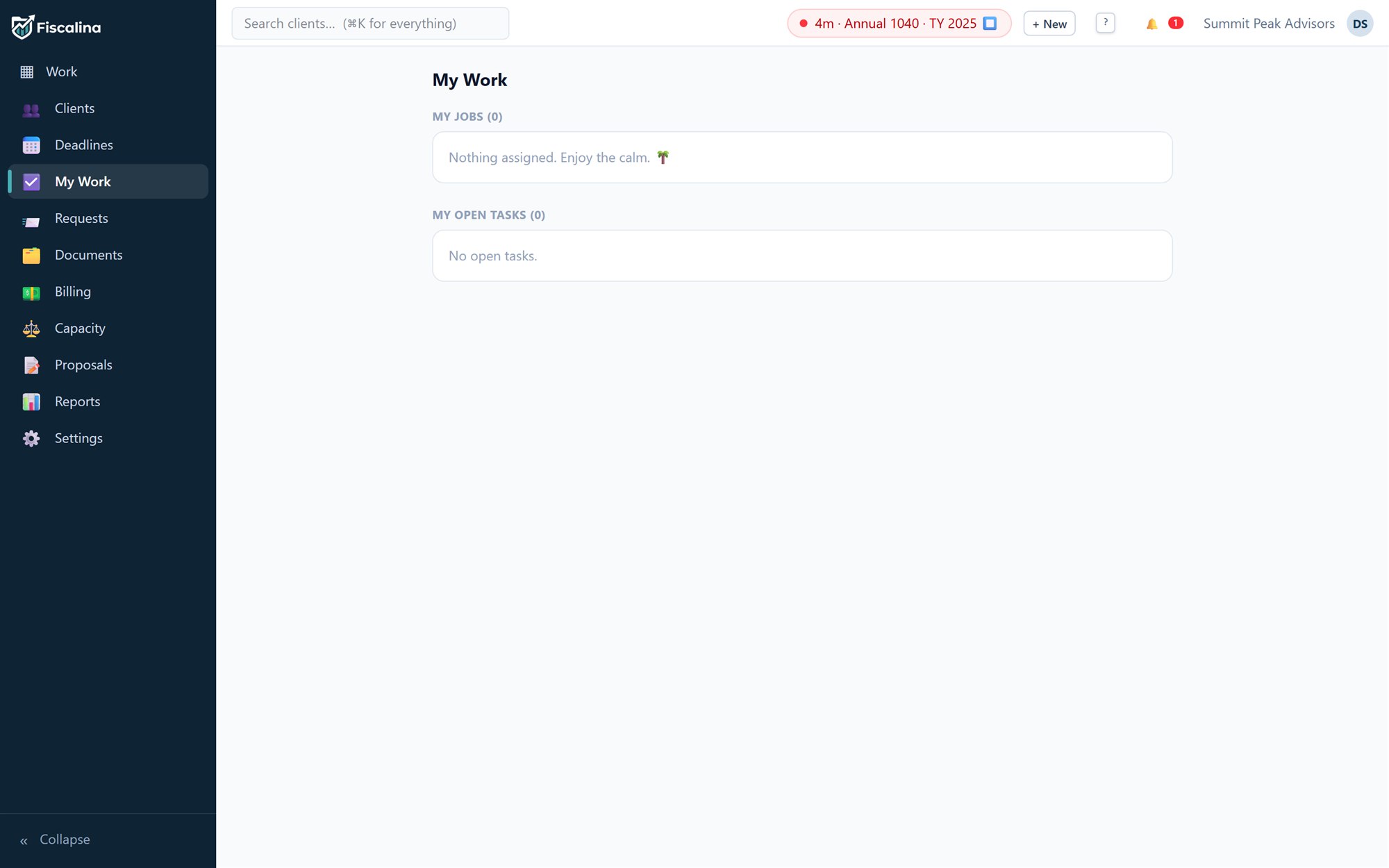
Each staffer's day, distilled: their tasks, their timer, nothing that isn't theirs.
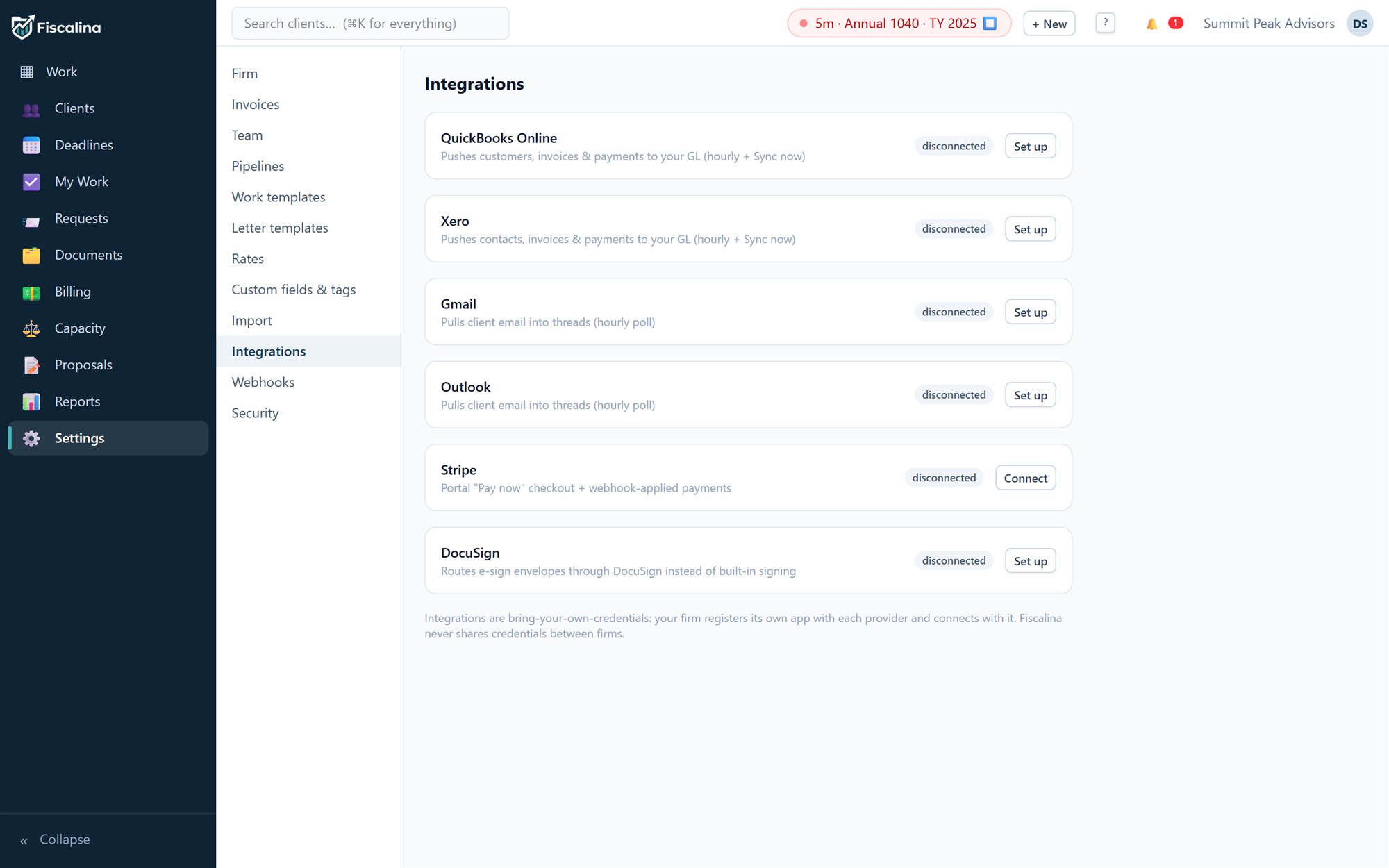
QuickBooks, Xero, Gmail, Outlook, Stripe, DocuSign — connected with your firm's own app registrations, stored encrypted. The platform holds no master keys to your clients' data.
Send a priced proposal; acceptance provisions the engagement and its first job by itself.
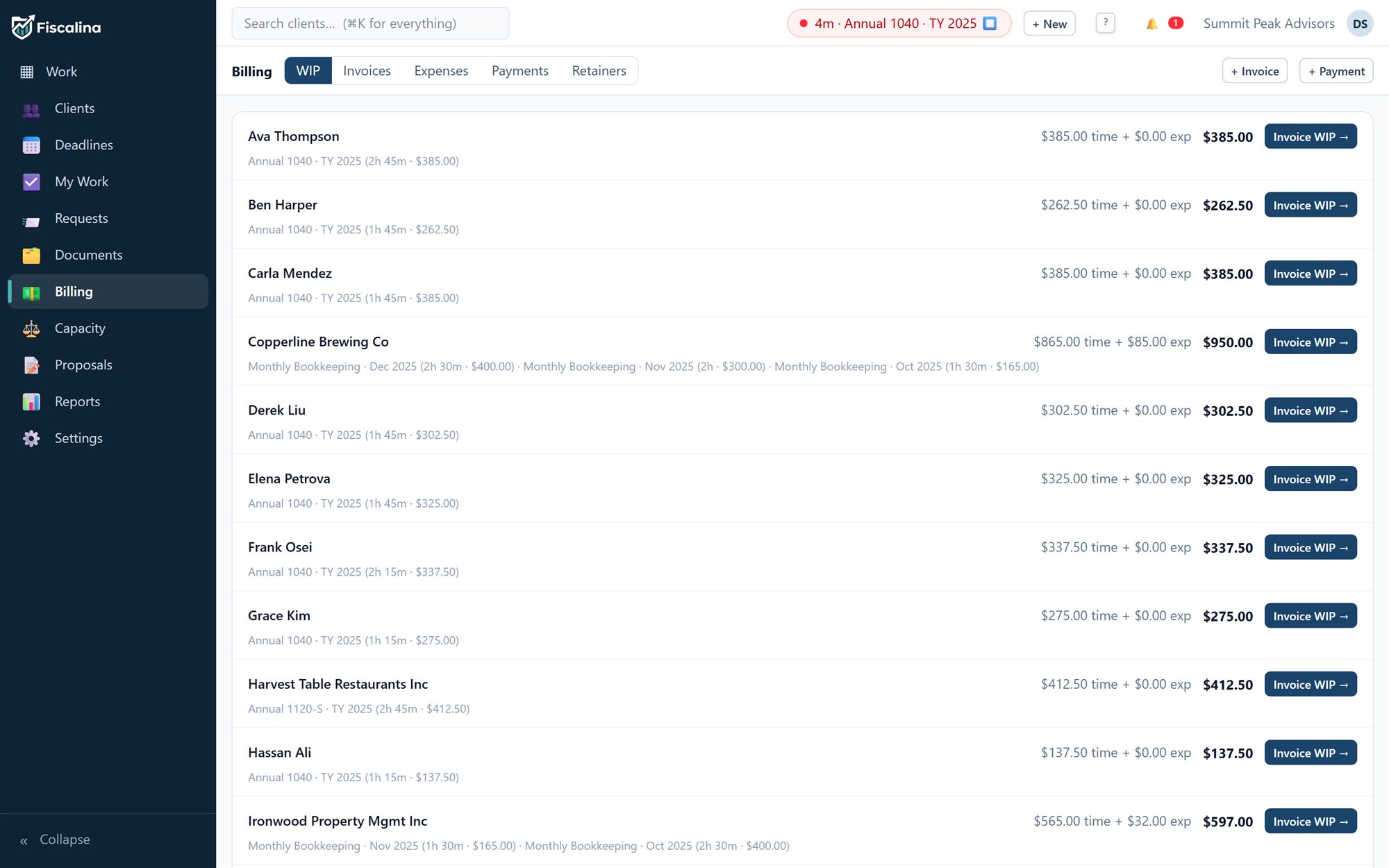
A standing list of every unbilled hour by client, one button from becoming revenue.

Built for the firms that keep everyone else's books —
and deserve better than seventeen spreadsheets for their own.
INV-0001 · Pricing
Every feature, every firm size, unlimited clients. Pay monthly, or prepay the year and keep two months.
INVOICE
| Description | Amount |
|---|---|
| Fiscalina — full practice platform, per user / month | $59.00 |
| Unlimited clients, jobs & documents — included | $0.00 |
| Client portal, e-sign & Stripe payments — included | $0.00 |
| Every future feature — included | $0.00 |
| Total, per user / month | $59.00 |
| Description | Amount |
|---|---|
| Fiscalina — full practice platform, 12 months × $59, per user | $708.00 |
| Unlimited clients, jobs & documents — included | $0.00 |
| Client portal, e-sign & Stripe payments — included | $0.00 |
| Annual prepay — two months on us | ($118.00) |
| Total, per user / year | $590.00 |
No card required for the trial. When you're ready, subscribe from Settings → Plan & billing — payment is handled end-to-end by Stripe Checkout, and your card never touches our servers.
cancel any time · no setup fees · no per-client charges · CSV export everywhere, forever
9000 · Notes to the accounts
No. Registering creates your firm with every feature unlocked for 14 days. Subscribe from inside the app when you've decided — not before.
There is one plan and it contains the entire product: unlimited clients, jobs, documents, portal users, e-signatures and integrations. $59 per user per month, or $590 per user per year — the yearly price is simply ten months. Seats are the only thing that changes your bill.
Yes — the importer reads CSV exports from Drake, Lacerte, ProConnect and UltraTax with their native column headers, plus any generic CSV. It previews the mapping, flags duplicates, and imports are undoable like everything else.
It leaves with you. Every ledger — clients, invoices, time, payments, documents — exports to CSV from the interface at any time, on any plan, including the trial. No export fees, no retention hostage-taking.
Bring-your-own-credentials: your firm registers its own developer app with each provider and pastes the keys into Settings → Integrations. They're stored encrypted per firm, and the platform operator holds no master keys to your clients' data — your engagement letters can say so truthfully.
Role-based permissions with deny-by-default (owner, admin, manager, staff, bookkeeper), TOTP two-factor for any user, masked tax IDs whose reveal is itself audited, and an append-only audit log of every change with before and after values.
Closing entry
Fourteen days, every feature, your real clients. If it doesn't make next month-end calmer, export your data and walk away.
14-day trial, every feature, no card. You'll be working in about a minute.